



Mobile work order
Customer, site, and job context.
For independent technicians and service teams: assign work, capture photos, checklists, signatures, and materials, then prepare a reviewable report without scattered chats.
Service work happens around panels, mechanical rooms, process equipment, stores, and remote sites. Aibo Task keeps evidence, materials, and closeout tied to the same case.
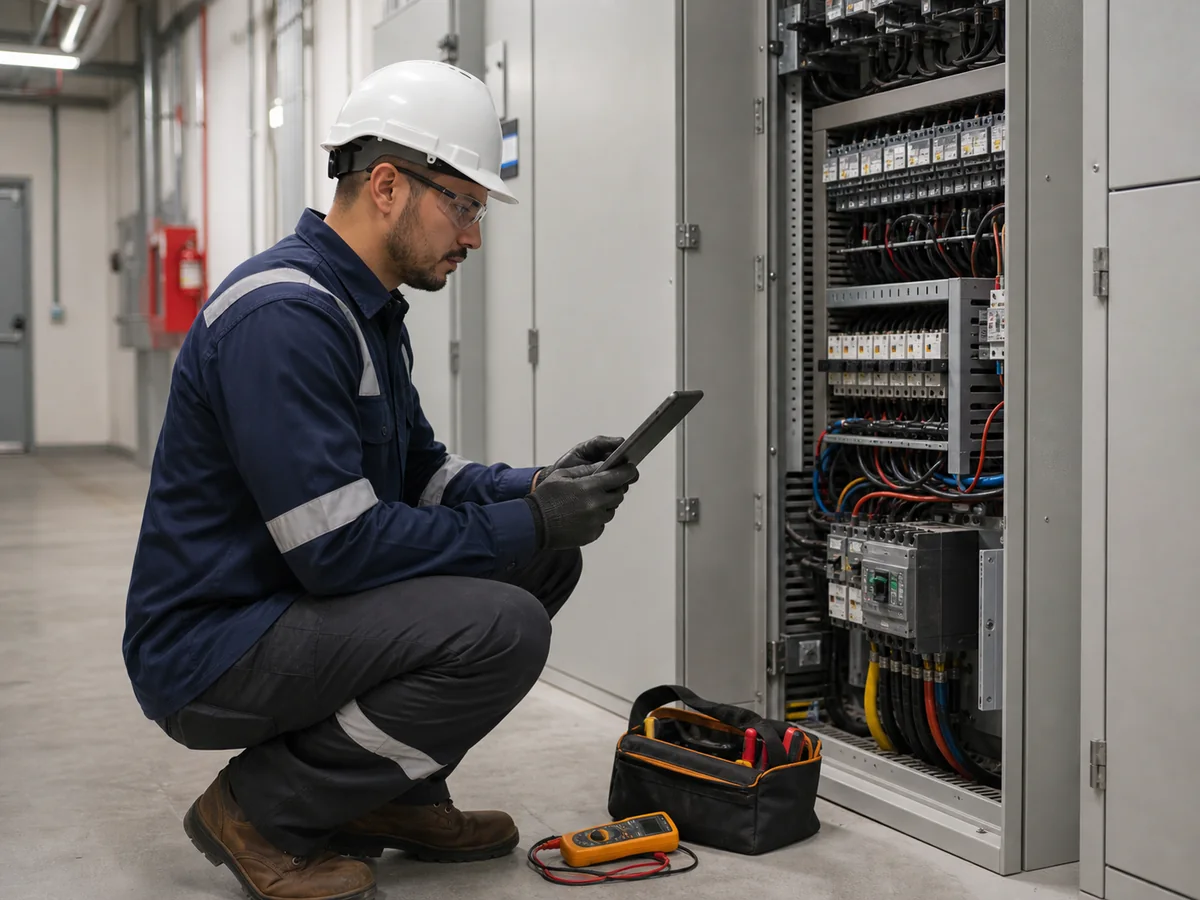
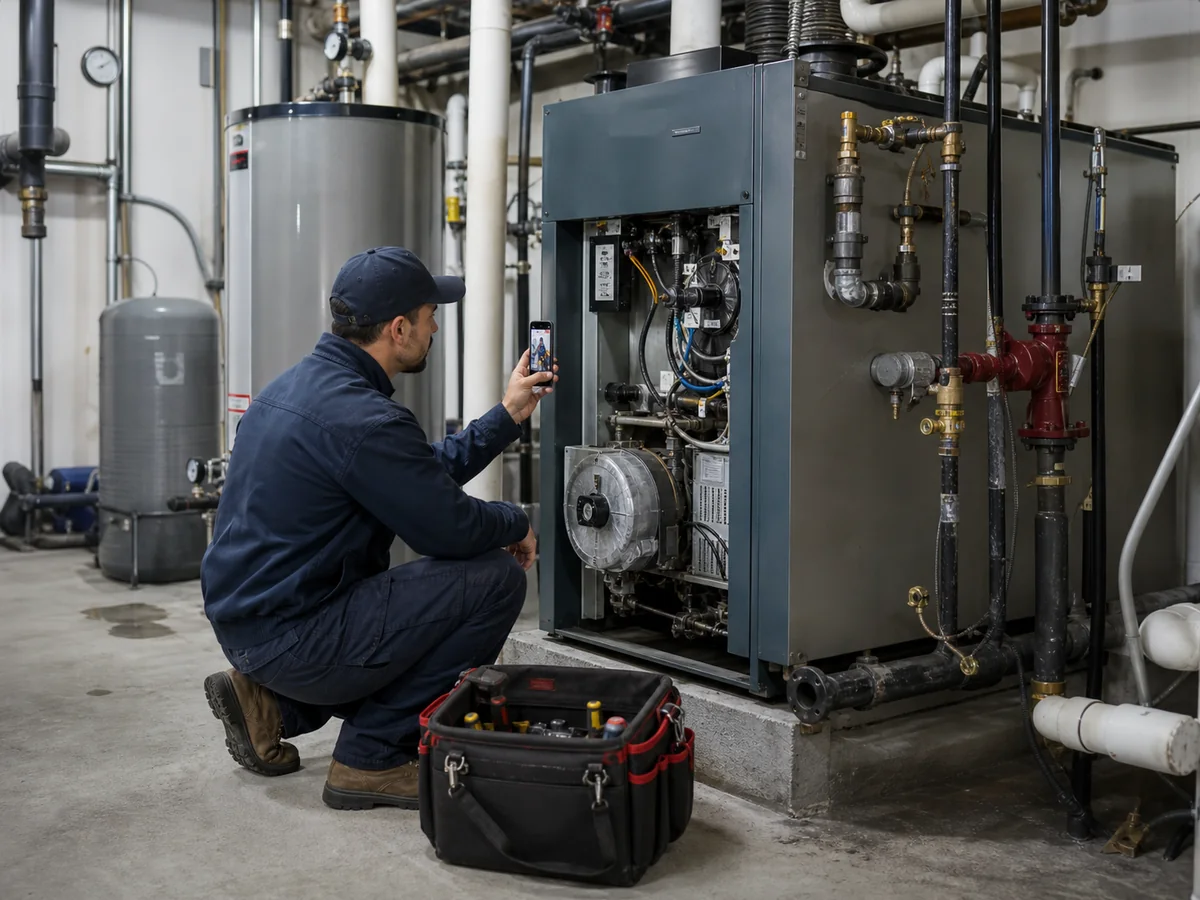
Operational context photos, not Aibo Task customer work.
Start with a real job: customer, site, technician, evidence, signature, materials, and report. Supervision and administration can review the closeout without rebuilding it from chats.
Work order, customer, site, priority, and technician stay connected before dispatch.
Photos, checklist, signature, materials, and notes stay tied to the job.
Ludo AI helps spot gaps and prepare the next action.
Customer, site, and job context.

Photos and checklist tied to closeout.

Gaps, summary, and next action.
Evaluate Aibo Task if your operation needs scheduling, work orders, mobile evidence, signatures, materials, and reviewable reports. These are composite scenarios, not customers or testimonials.
Coordinate technicians, assets, photos, checklists, and materials so every visit leaves reviewable evidence.
Centralize sites, owners, assets, work orders, and follow-up to review open work by priority.
Organize customers, visits, photos, signatures, and reports from mobile to close with stronger context.
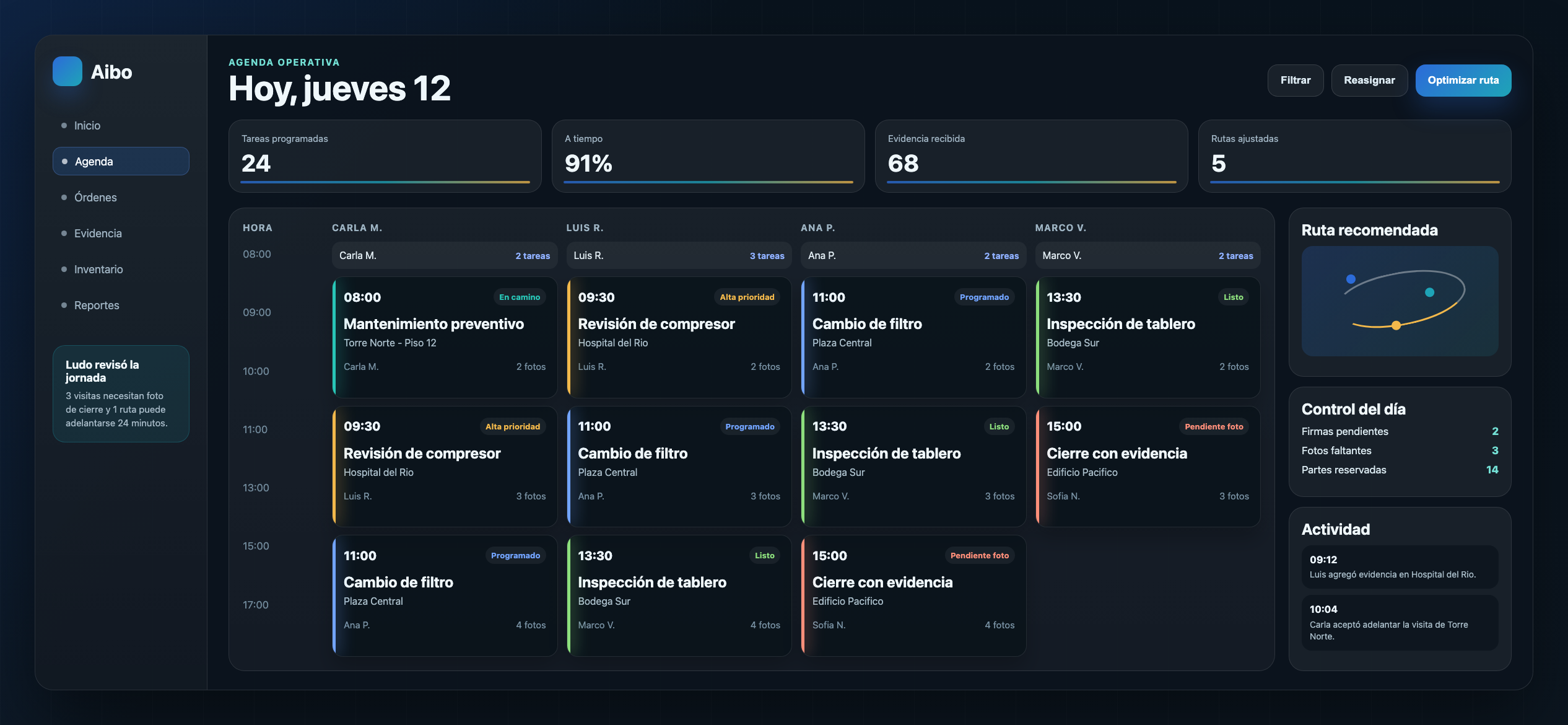
Aibo Task is software for coordinating work orders, schedules, customers, sites, technicians, evidence, signatures, materials, reports, and operational follow-up.
Yes. The workflow fits field work where assignment, evidence, site or asset history, and reviewable closeout matter.
No. Ludo AI helps organize context, detect missing evidence, and prepare reports or next actions. Operations and decisions stay with the team.
The clearest path is to activate one real use case: customer, site, work order, technician, evidence, signature, materials, and report.
Aibo Task helps field work avoid scattered messages: each closeout stays connected to the customer, site, technician, report, and next action.
