

Taking photos is not the hard part
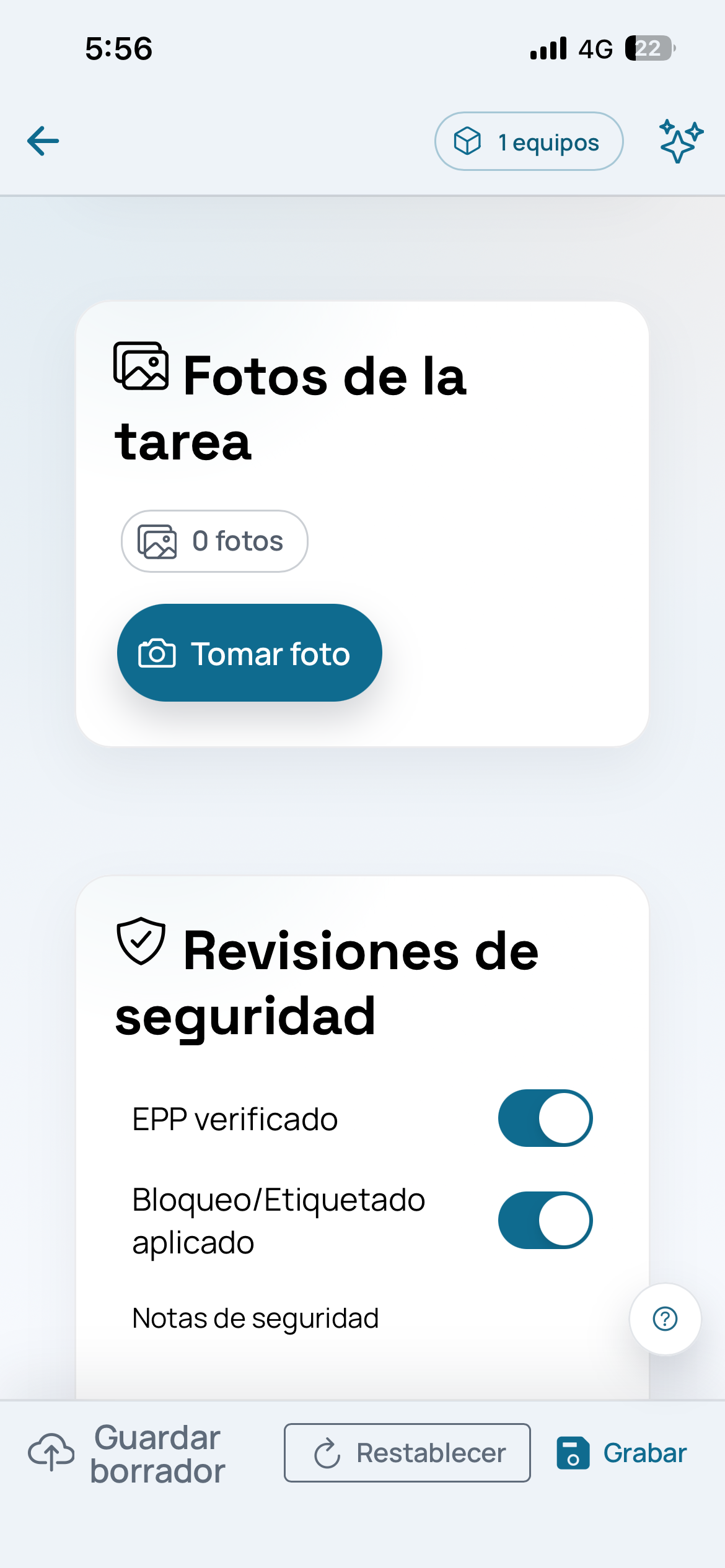
Most teams already capture photos in the field. The hard part comes later: who took the photo, which job it belongs to, which asset it shows, whether it was before or after closeout, and what note explains it.
When that information lives outside the flow, every review depends on memory, messages, or manual folders.
What should stay connected
A useful capture should stay next to the customer, site, asset, owner, checklist, signature, and job status.
Aibo Task helps make that package reviewable without switching conversations or asking for extra screenshots.
- Before and after photos
- Technician notes
- Signatures and checklist
- History by site or asset
How to validate it in one week
Pick three recent jobs and record the full flow: assignment, arrival, photos, materials, note, and closeout.
Then ask supervision to find the evidence without asking the technician. That test quickly shows whether the flow is organized.