
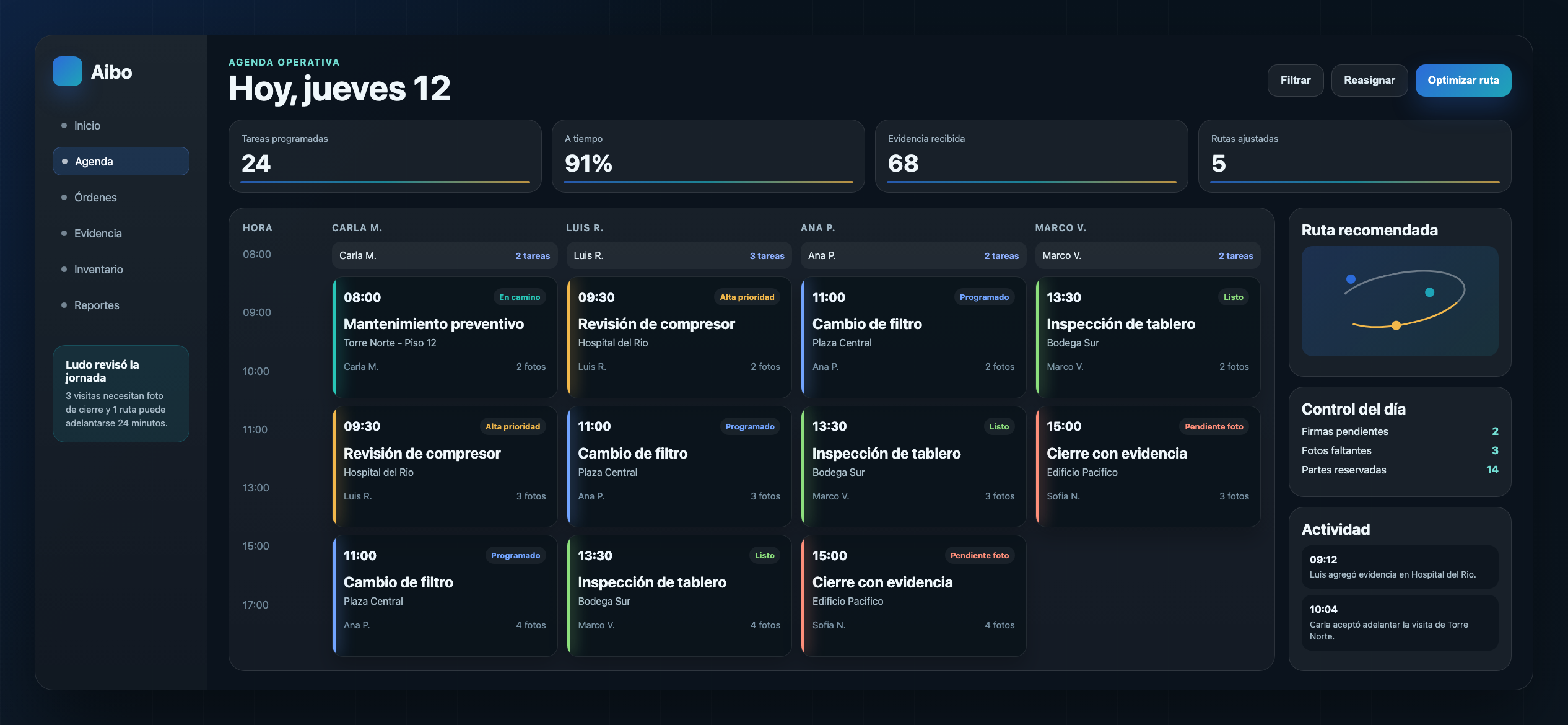

The calendar is only one layer
Moving a visit from one hour to another does not solve the job if the technician does not know what to review or what evidence to capture.
Aibo Task treats scheduling as part of the flow: it shows priority, owner, site, status, and closeout signals.
What dispatch needs
Dispatch needs to see which jobs are ready, which are blocked, and which require reassignment.
That view reduces follow-up calls and helps teams prioritize with clearer data.
- Priority and criticality
- Load by technician
- Job status
- Expected materials and notes
The quality signal
A good schedule answers what comes next, who owns it, what is missing, and what risk exists.
If those four answers are visible, dispatch becomes operational control instead of just a calendar.